 iCaelum
Ten activities, each with its own view.
Choose what you are doing and iCaelum shows what matters for it. You can arrange every view to suit you.
Photography
Be there for the best light
Plan a shoot around the light. See when the golden and blue hours begin and end, where the Sun and Moon will be, and how shadows will fall, before you leave home.
- The day’s light at a glance
- Golden and blue hours
- Twilight
- Where the Sun and Moon will be
- Shadows
- Time-lapse planning

Stargazing
Make the most of a dark night
Find the darkest hours of the night, see when the Moon is out of the way and check the clouds. Then hold up your iPhone with Sky finder to find the planets and stars.
- Dark hours and moonlight
- Clouds tonight
- How good the sky is
- Planets tonight
- Meteor showers
- Aurora
- Sky finder

Sunlight and shade
See where the light falls
See how a place meets the Sun through the year: when a garden, a terrace or a window gets sun, and when hills or nearby buildings put it in shade.
- The Sun’s path through the seasons
- Sun and shadow at any time
- Shade from hills and buildings
- Sunlight on each side of a building
- Solar energy

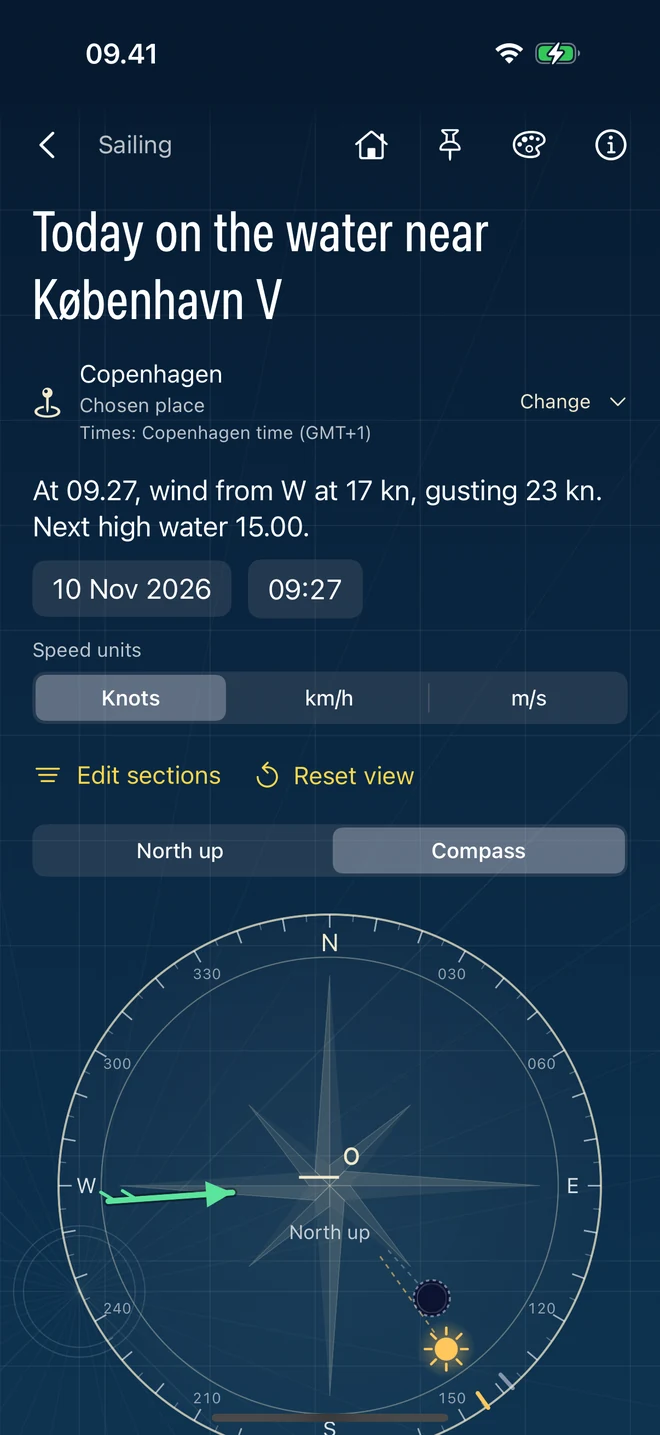
Sailing
Read the wind and the water
Bring the wind, the tides, the sea and the light together for a day on the water, with tools to practise finding your way by the Sun and stars.
- A compass with the Sun, Moon and wind
- Wind and gusts
- Tides
- Sea state
- Nautical twilight
- Celestial navigation practice
- Passage planning
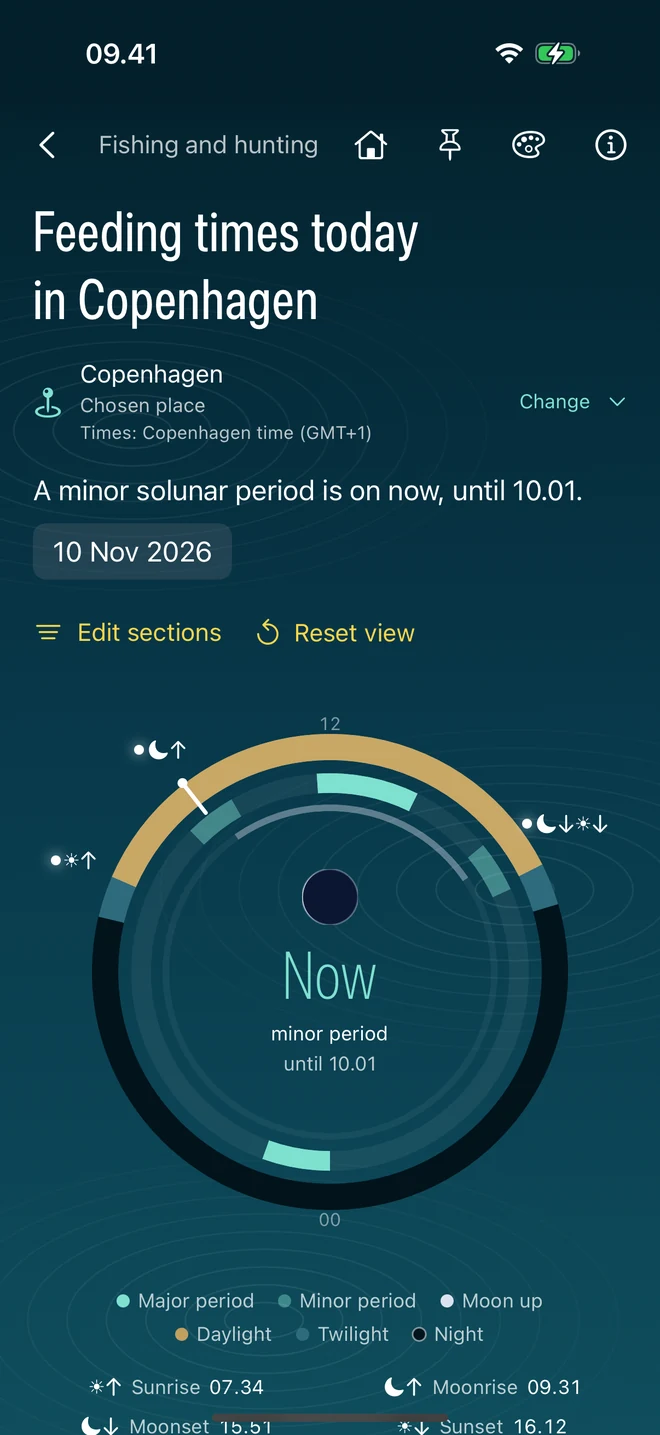
Fishing and hunting
Choose your moment
Put the day’s natural rhythms together, from the Sun and Moon to the tides, wind and weather, to choose the best times to be out.
- The day’s active periods
- What is happening now
- Tides
- Wind and weather
- Sun and Moon
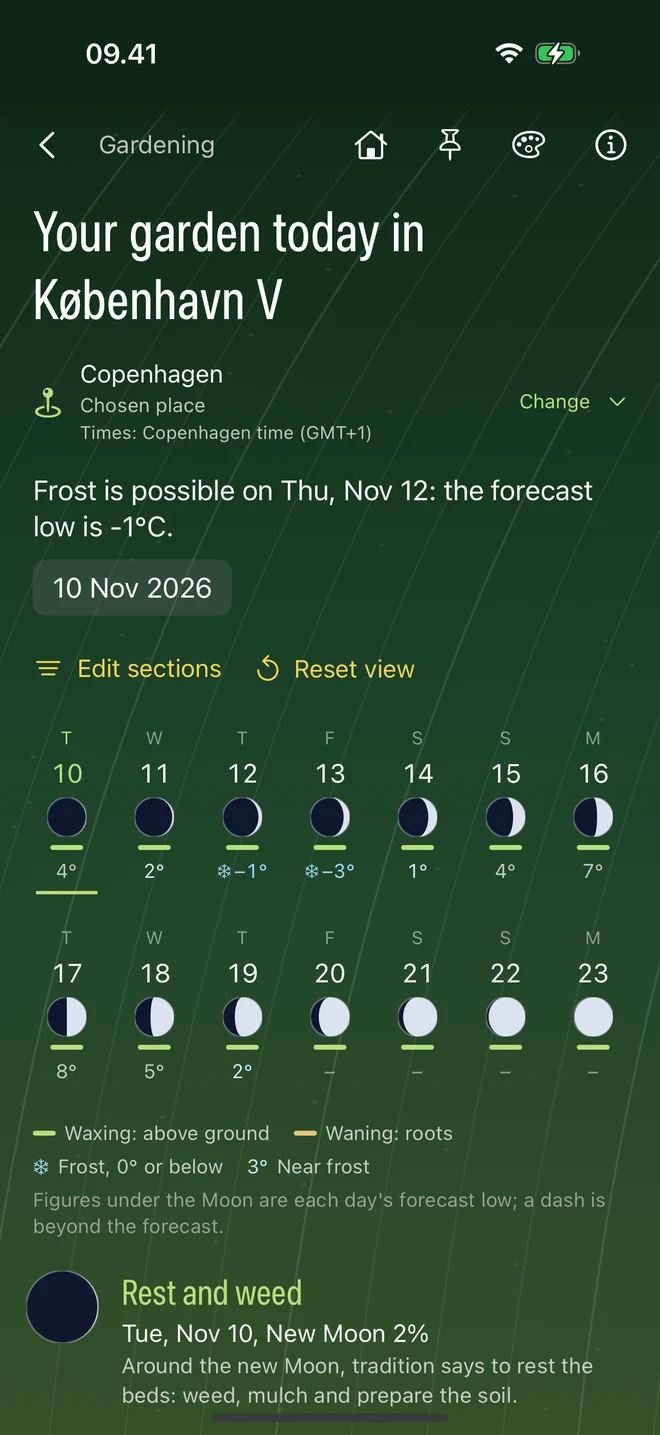
Gardening
Work with the seasons
Plan the coming weeks in the garden with frost warnings, a look back at recent weather and how much sun your garden gets.
- A two-week garden calendar
- Frost
- Recent weather
- Sunlight
- Solar energy
- The Moon
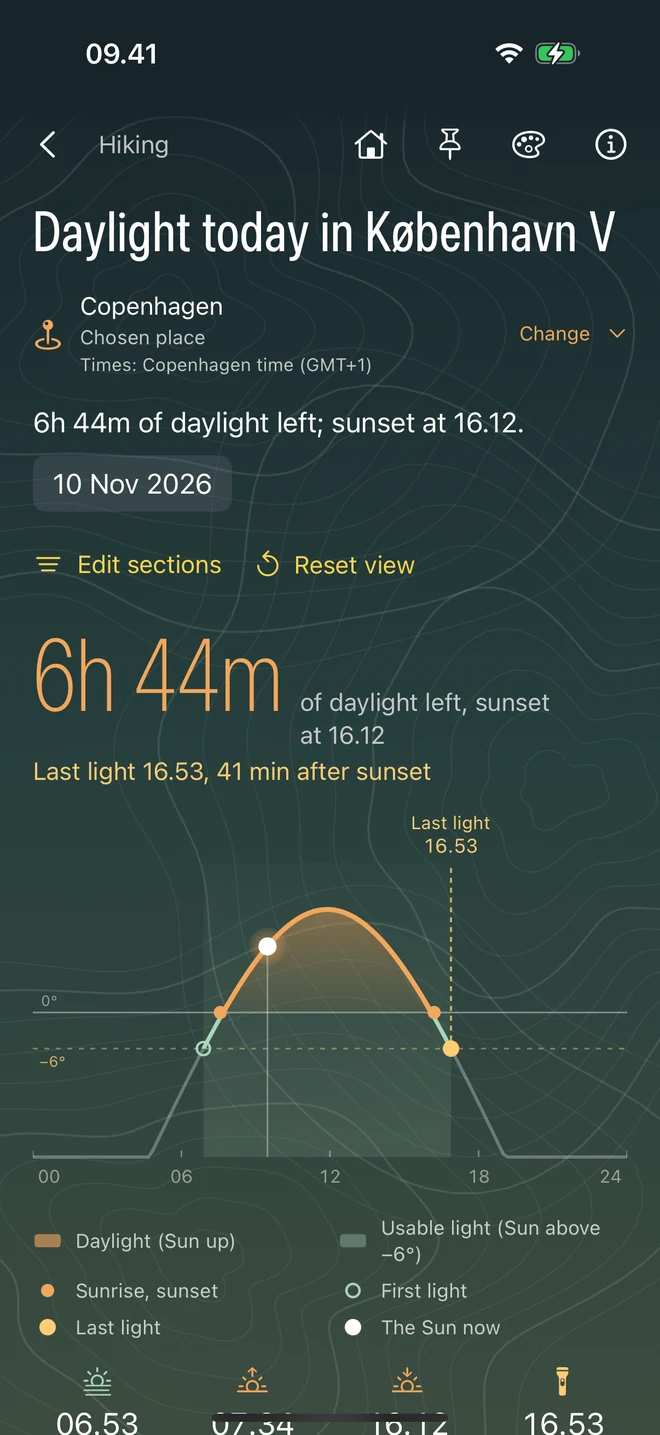
Hiking
Plan a good day on the trail
Know how much daylight you have and when the last light fades, and see when your route will be in sun or shade. If you need help, show your exact position and use your screen as a signal.
- Daylight left
- Sunrise, sunset and last light
- Sun and shade along your route
- Light at your campsite
- Emergency signal and location
- Moonlight for the walk back
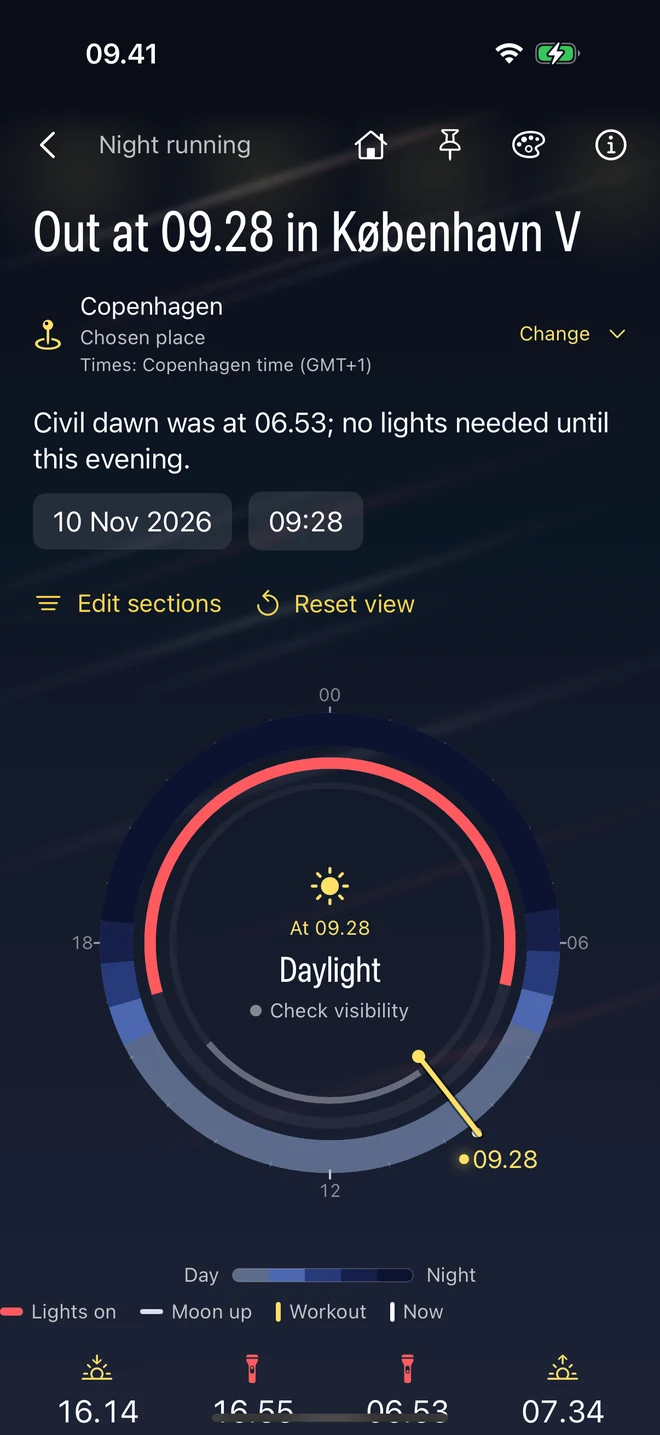
Night running
Run with more confidence after dark
Know when the light changes, how bright the Moon will be and what the weather holds, and find lit streets and paths near you.
- The night’s light at a glance
- Dusk and dawn
- Weather for your run
- Moonlight
- Lit streets and paths
- Fog and visibility
- Icy and wet ground
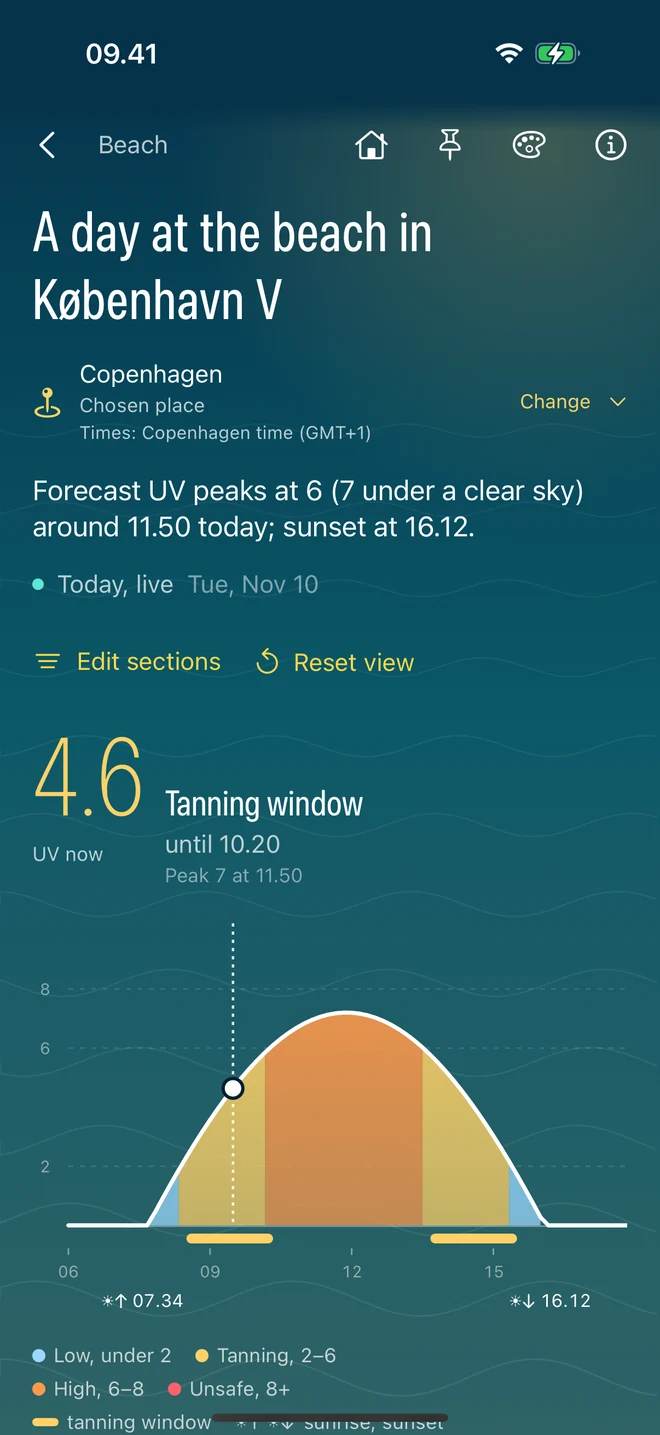
Beach
Enjoy the sun safely
Follow the UV through the day, choose the right time to be in the sun, get a reminder to reapply sunscreen and see where your parasol’s shade will fall.
- UV through the day
- The Sun and sky now
- The best times in the sun
- Sunscreen reminders
- Parasol shade
- Sunset
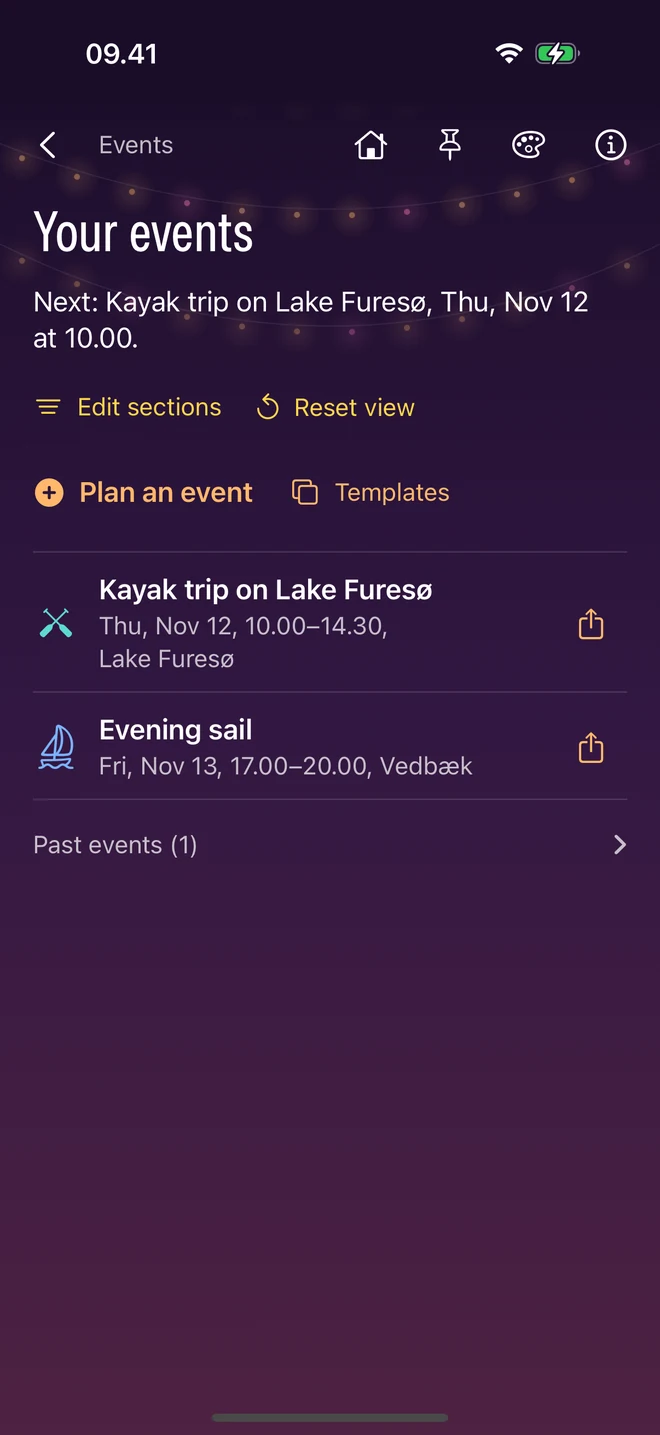
Events
Plan occasions around the weather
Choose the right moment for a gathering outside. See the light before, during and after your event, the weather, public holidays and where shade will fall at the venue, then share the plan with your guests.
- The light through your event
- Weather during the event
- Evening light
- Public holidays
- Shade at the venue
- How the day looks for an outdoor event
- A rain reminder
- Widgets and sharing
Arrange any activity
Every activity keeps its own layout. Reorder or hide its sections, add sections from the rest of the app, and restore the original view whenever you like.
How to arrange a view